Loadoutz
A place to install MCP servers, group them for an agent, and connect once. In development, private.
The MCP mess
Every client wanted its own sign-in, its own keys, its own config. Add a server, remove it, and stale permissions stayed behind.
Code mode made it worse. It showed how little structure there was around which servers were connected, who could use them, and what the agent could see.
A catalog and a session layer
Install a server once, group servers into a loadout for an agent or a job, and point the client at one URL. Change the loadout, keep the connection.
Provider keys and permissions stay on the server. The agent gets the tools, not the keys.
The product
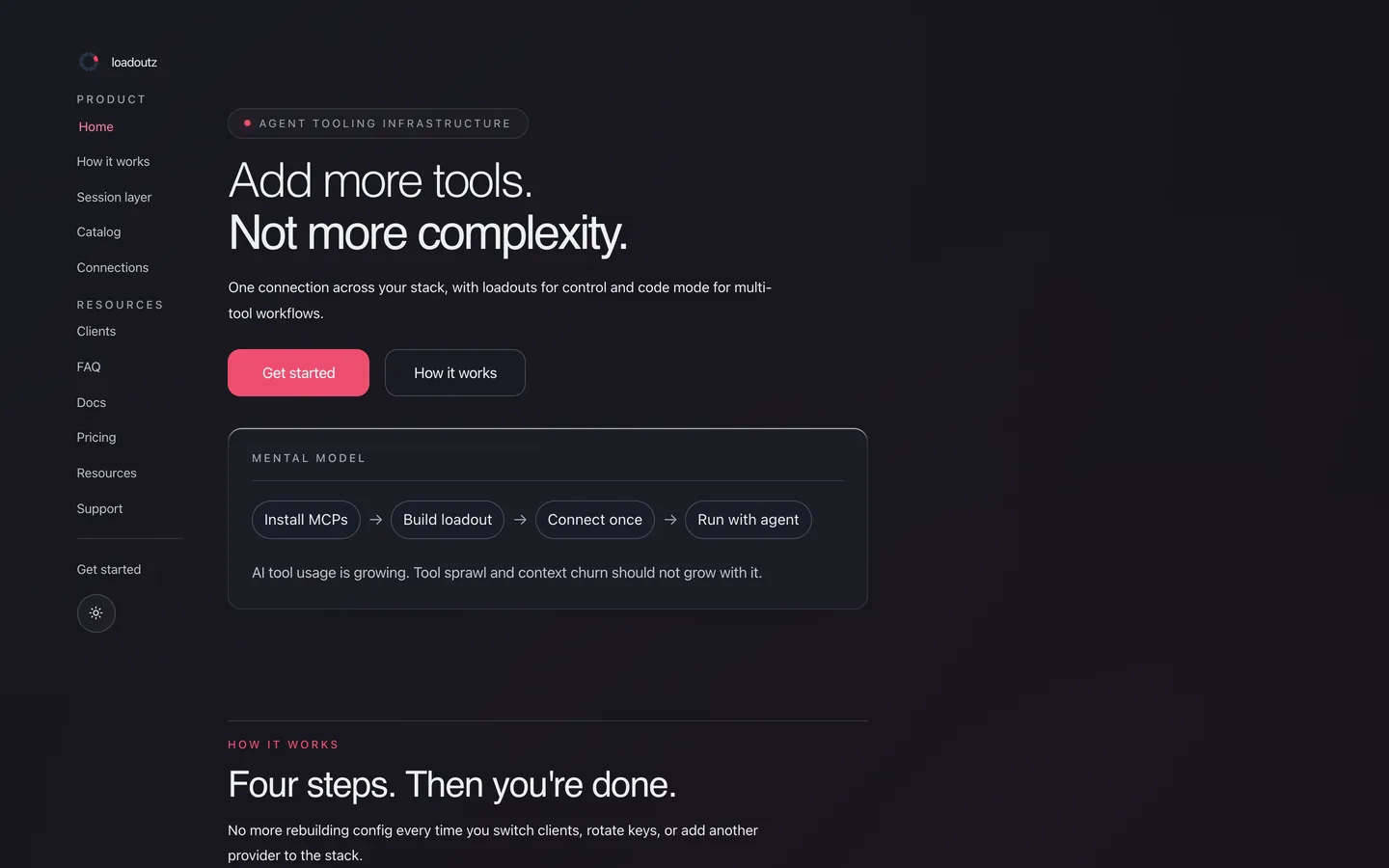
One URL. Every agent.
Loadoutz is where you install MCP servers once and group them for an agent. Each client connects to one URL, and you change the loadout without reconnecting.
- 01 Install MCPs Pick the servers you already use.
- 02 Build loadout Group them by agent or job.
- 03 Connect once One stable URL per loadout.
- 04 Run with agent Change the loadout; the agent follows.
npx loadoutz@latest connect https://mcp.loadoutz.io/mcp/u/<owner>
npx loadoutz@latest doctor- Catalog
- Library
- Loadouts
- Sessions
- Code mode
- Permissions
- Provider keys
Where it is now
Private, in development. The catalog, library, loadouts and sessions are one system. Signing in to each provider is the part still being settled.
It exists because I didn’t want to manage MCPs by hand. If the harness is going to use tools, the connection should be something you can see.
MCP · Code mode · Permissions.